 ClawMuse
ClawMuse, AI that works toward your goals on your own computer
A personal assistant that lives on your Mac or PC. Tell it what you're working toward — it reads the news around it, offers ideas it can act on, and gets things done. Free, with no account.
Learn moreHelp that starts with you, not a blank chat box
Most assistants wait to be asked. ClawMuse begins with what you care about and keeps working on it — a morning Feed, fresh ideas, a nudge when something needs you — all on your own computer.
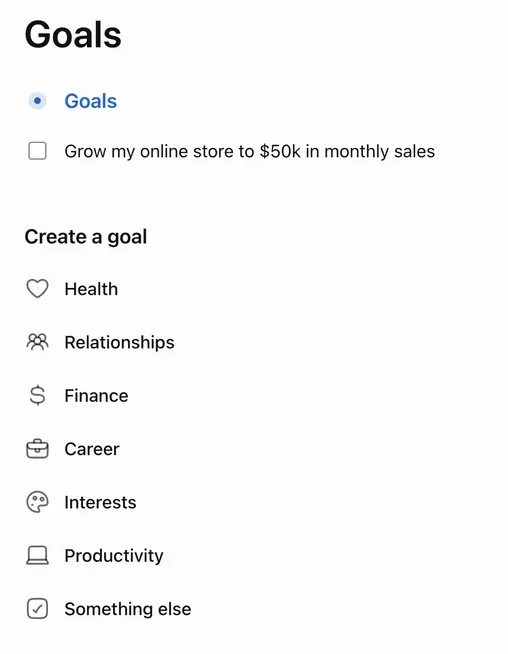
Goals
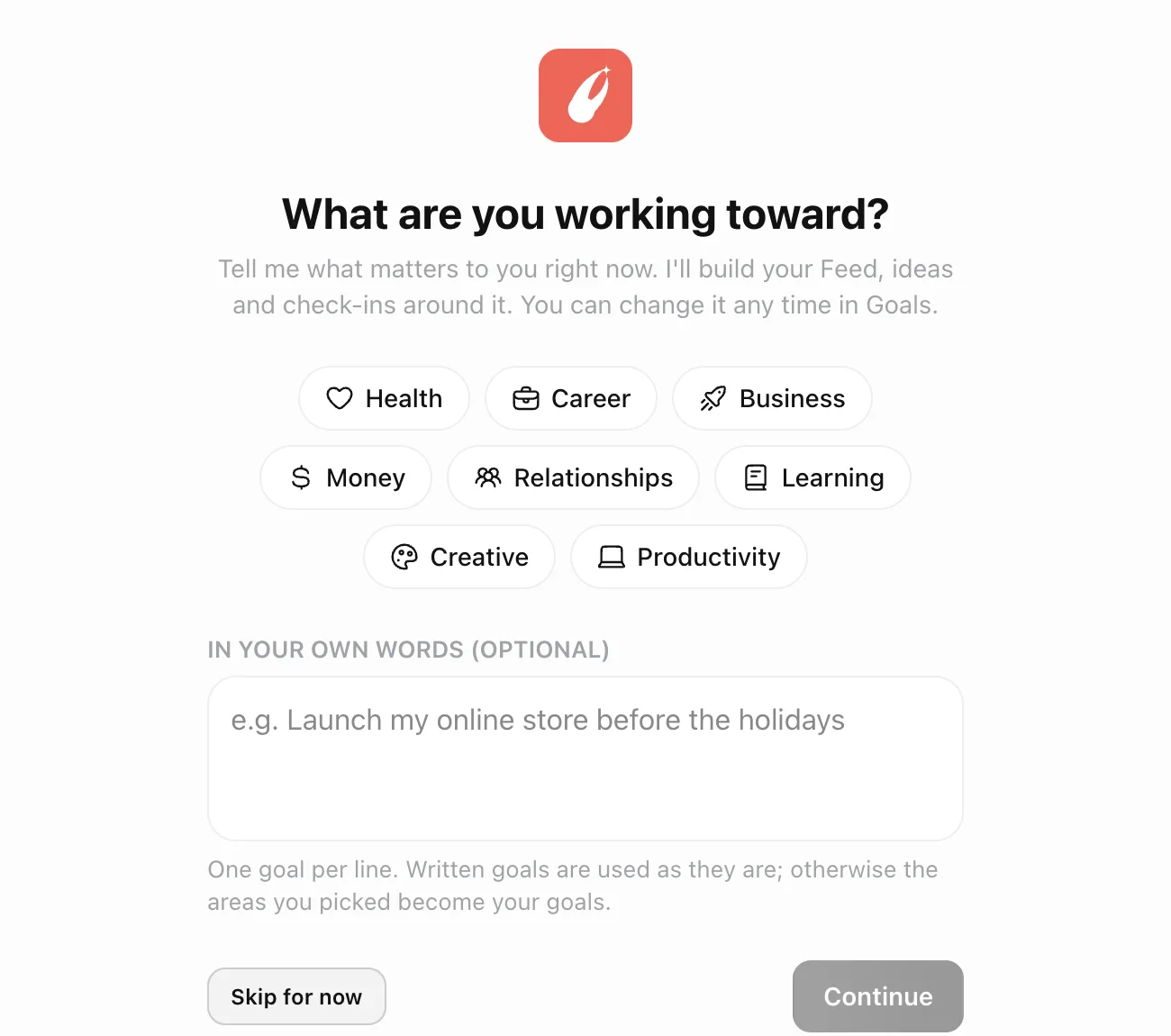
It starts with one question: what are you working toward?
Pick an area — health, career, business, money, learning — or say it in your own words. Your first Feed and your first Ideas are built from the answer, and you can change your goals whenever life does.
Feed
A morning edition about the things you care about
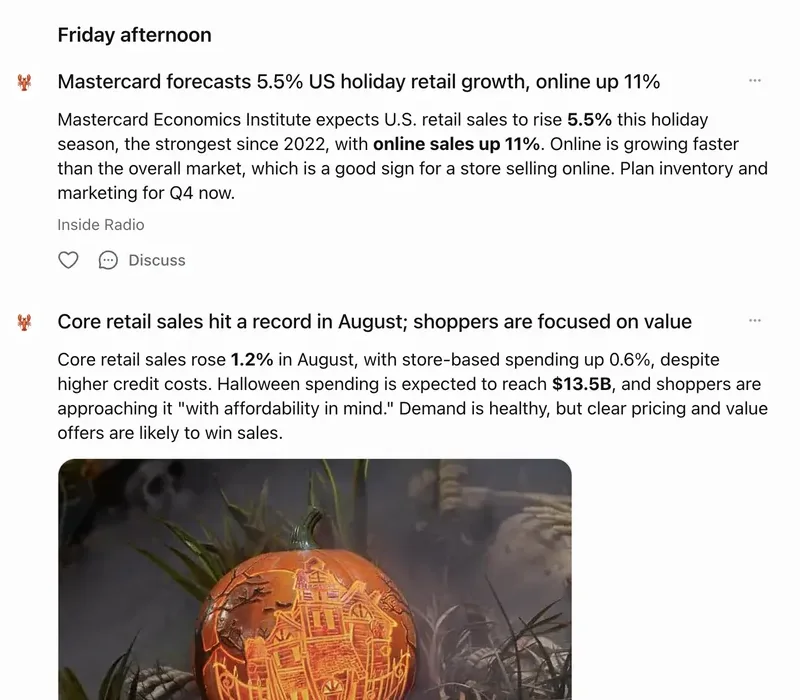
Every day ClawMuse looks up the latest headlines around your goals and writes you a short, skimmable Feed — what happened, why it matters to you, and what to do about it. Every story names its source and brings its picture.
- Real, current news — not the model's memory
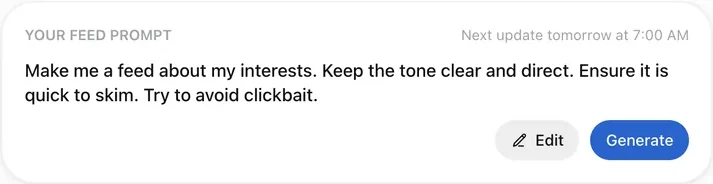
- Write your own Feed prompt to set the tone
- Tap Discuss on any story to talk it through
Ideas
Ideas it can act on, not tips to read
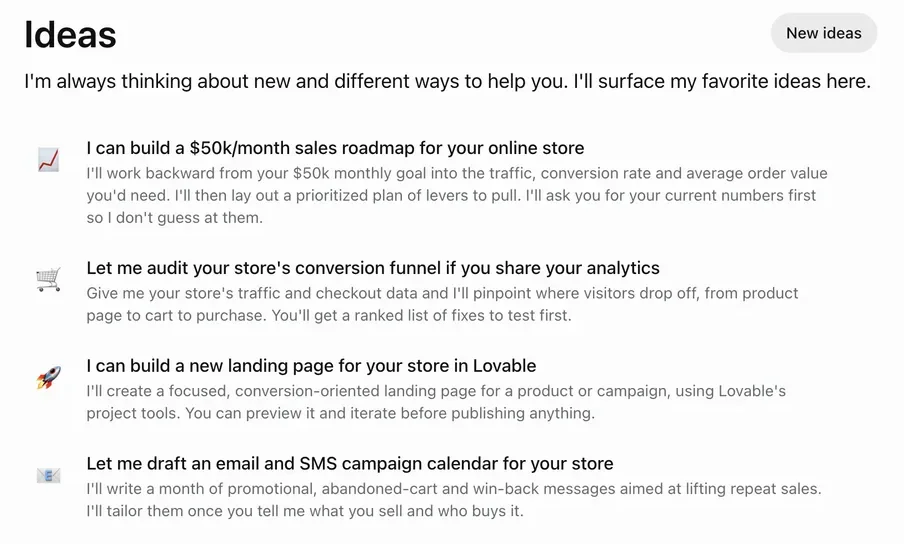
ClawMuse keeps thinking about what would move your goals forward and offers to do it — a roadmap, a competitor scan, a tracker, a campaign calendar — written for your situation. Pick one and it starts, asking for what it needs instead of guessing.
Check-ins
It speaks first only when it's worth it
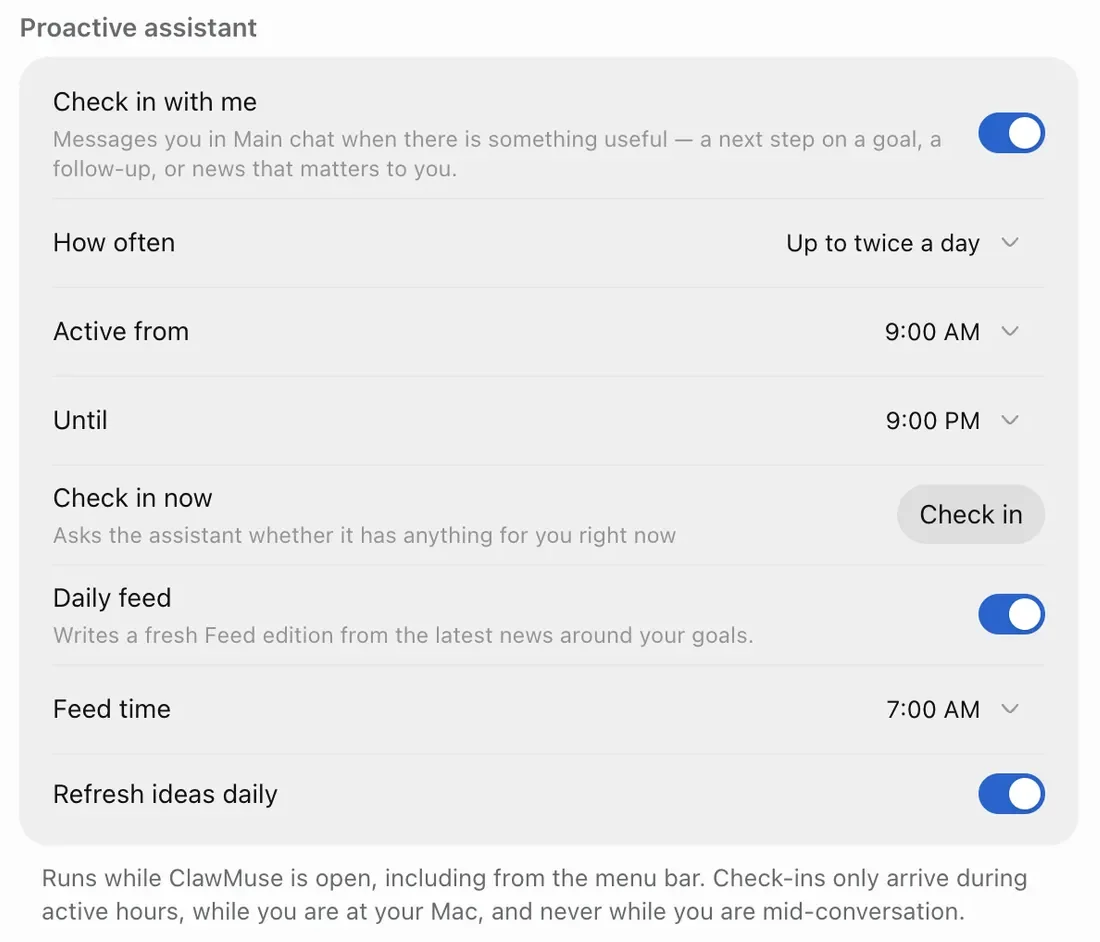
Turn on check-ins and ClawMuse messages you when it has something specific — a next step on a goal, a follow-up, news that matters. You choose how often and the hours it may reach you. Outside them, it stays quiet.
- Only within the active hours you set
- Only while you're at your computer
- Never in the middle of a conversation
Chat
Ask anything. Hand it the work.
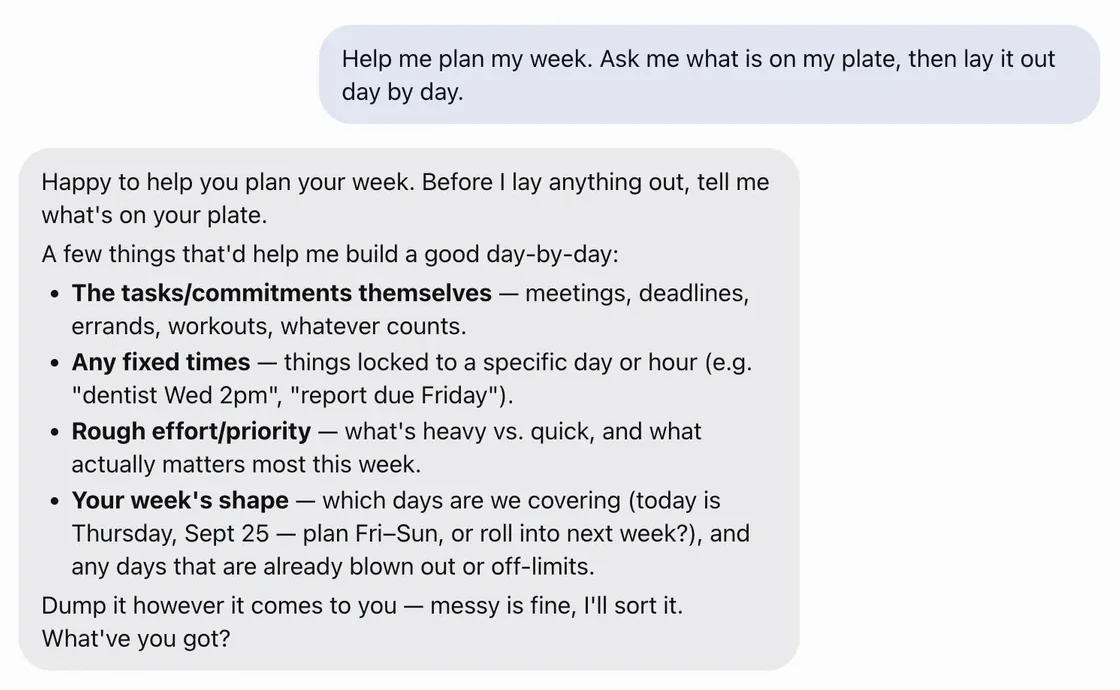
A real assistant with tools on your computer. It researches the web, reads and writes files, plans your week and keeps reminders — and when a task is vague, it asks the right questions before it starts.
Yours
Runs on your computer, with the model you choose
Your chats, goals, files and keys live on your machine. ClawMuse finds what you already have — a Claude Code sign-in, an API key, a local model — and offers it with one button, naming exactly where it found it.
There's no ClawMuse account and no ClawMuse server. The app collects no analytics.
Sign in you already have
Or your own key
Or fully local
Built to be trusted with your computer
Exactly what stays, what leaves, and how to take it all back.
- What stays on your computerConversations, goals, files and keys. The three things that do leave, and where they go.
- Remove it completely, in one stepSettings → Data controls → Remove ClawMuse deletes everything it stored and the app itself.
- Verify what you downloadSHA-256 checksums for every installer, and why your computer asks you to confirm the first time.
- MIT-licensed softwareFree to use, copy and modify, including commercially. Plain terms, no fine print.
Questions
Is it really free?
Yes — free, with no account and no subscription. ClawMuse needs an AI model to think with: if Claude Code is signed in on your computer it can use that, or you can add a key from a provider. OpenRouter offers free models, and Ollama or LM Studio run models entirely on your machine.
Where does my data go?
Your chats, goals, files and keys are stored on your computer. What leaves it: your messages and the assistant's own Feed, Ideas and check-in prompts go to the model provider you chose (nowhere, if the model is local); the Feed looks up headlines on Bing News with short terms written from your goals; and when you ask it to browse or use a connected service, it reaches that site the way your browser would.
The privacy page has the details.
Does it work while the app is closed?
The daily Feed, Ideas and check-ins run while ClawMuse is open — including when it's tucked away in the menu bar on Mac or the notification area on Windows.
Why does my computer warn me the first time I open it?
This release isn't signed with an Apple or Microsoft developer certificate yet, so macOS and Windows ask you to confirm once. The download page walks through it, and lists a SHA-256 checksum for every installer.
Which computers does it run on?
Macs with Apple silicon or Intel on macOS 12 or later, and Windows 10 or 11 PCs, 64-bit (x64 or ARM). About 100–130 MB to download; the first launch sets up the assistant, which takes a few minutes on a new computer.
How do I remove it?
In ClawMuse, open Settings → Data controls → Remove ClawMuse. It stops the assistant, deletes everything it stored and removes the app. There's no account to close.